Hey, it's Jennie.
Having a human face in TikTok short-form content really boosts views. But actually filming it yourself? Setting up lights, memorizing scripts, editing — a single video easily takes 2-3 hours.
Today I made 8 avatar videos. Scripts generated with Claude Code, rendered through HeyGen, downloaded and done. 4 days of content in 2 hours.
The real work isn't filming
When people hear "avatar videos," they usually think "HeyGen makes the video, so it must be easy." But once you actually try it, the video rendering is just one button press. The real time sink is everything before that.
Two things matter most:
- Finding trending topics — Researching which financial keywords are hot on TikTok right now, which topics actually pull views. This takes longer than the actual scriptwriting. You're scrolling through TikTok checking trending hashtags, analyzing competitor accounts, figuring out what people are curious about in the comments. Nailing down a single topic takes 30 minutes to an hour.
- Writing the script — Once you've got a topic, you need to pack a hook, empathy, lesson, and call-to-action into 40-60 seconds. Too long and people scroll away. Too short and there's no impact. One script takes 20-30 minutes.
To make 8 videos, topic research alone is 4-8 hours, scriptwriting another 3-4 hours. Your whole day is gone before you even start rendering.
These skills slash that entire effort
The /tik5-ethan and /tik6-sofia skills don't just write scripts. They search for trending keywords on TikTok, analyze what's blowing up right now, and suggest "here's the topic and angle you should go with" — the whole pipeline is built in.
In the terminal, I type:
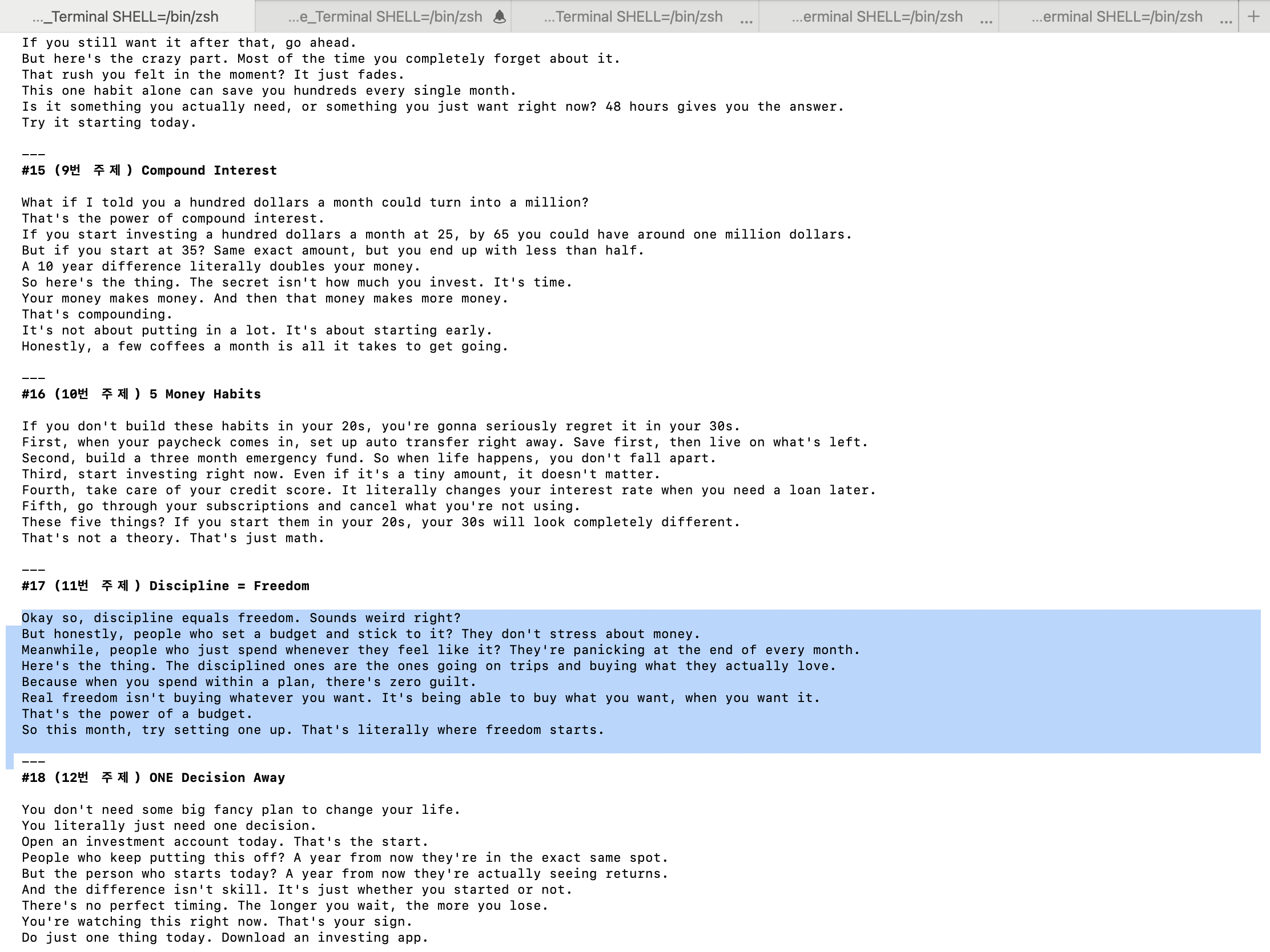
/tik5-ethan write scriptsClaude gets to work:
- Trending topic research — Analyzes which keywords and topics are getting views in the financial education space right now. Takes broad topics like "compound interest", "credit score", "budgeting" and finds specific angles.
- Angle design per topic — Even for "compound interest," it'll spin up angles like "starting at 25 vs 35," "becoming a millionaire with coffee money," "why 10 years doubles your money." This is the part that takes the longest when you do it yourself.
- 40-60 second scripts — Writes scripts in TikTok-native tone: hook, empathy, lesson, call-to-action.
- Numbered, ready-to-use output — Formats everything as #15 Compound Interest, #16 5 Money Habits, #17 Discipline = Freedom — ready to copy and go.
From topic research to finished scripts, what used to take 8-12 hours now takes 5 minutes.
What I actually made
Short-form avatar videos for the CashLingo TikTok channel (@thecashlingo). An AI avatar looks at the camera and reads a financial education script — and it genuinely looks like a real person talking.
There are 2 avatars:
- Ethan — Male avatar. Olive shirt, study background. Calm, trustworthy tone. Voice engine is ElevenLabs V3, voice is Senthil.
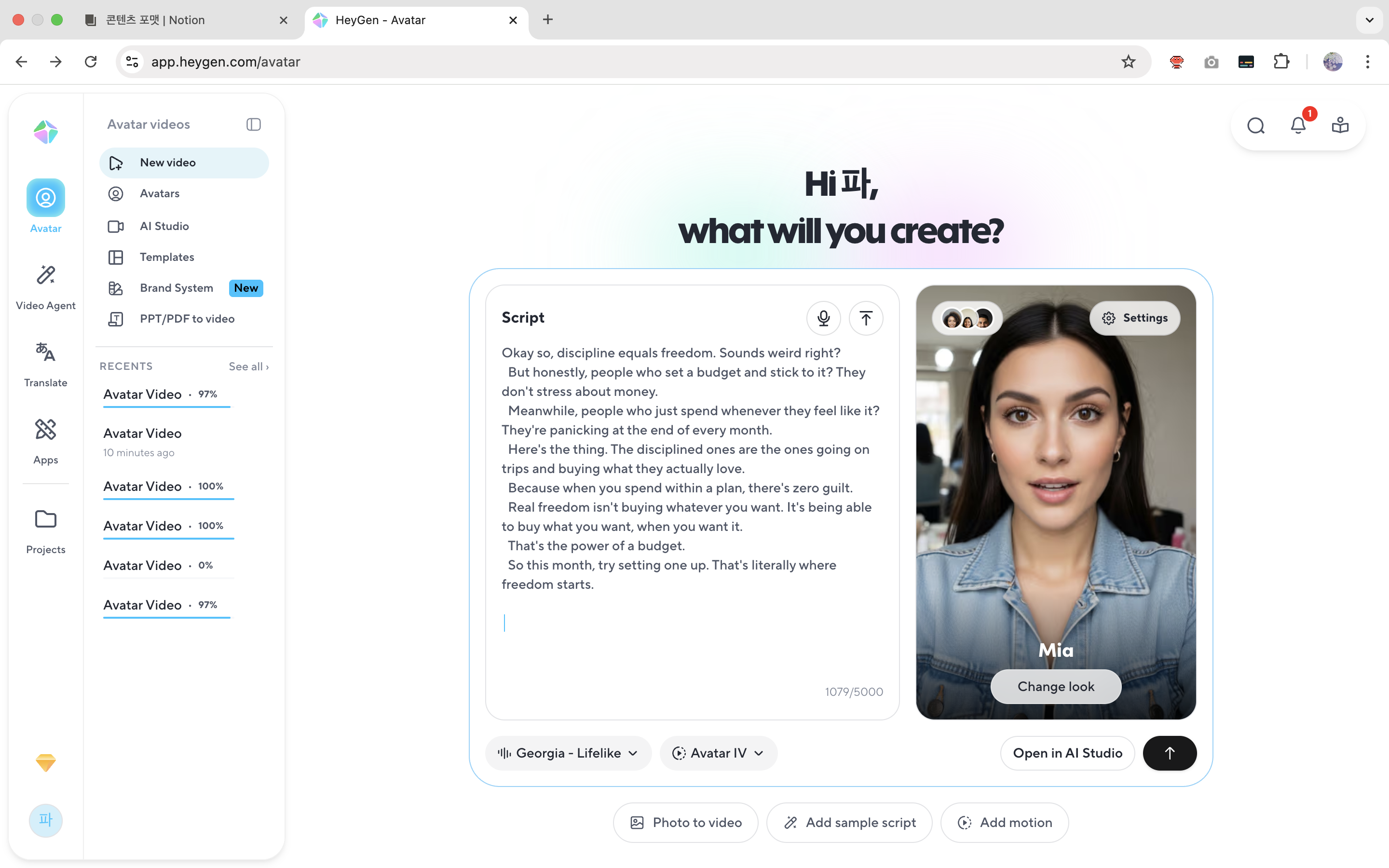
- Sofia (Mia) — Female avatar. Denim jacket, casual vibe. Friendlier, more energetic tone. Voice is Georgia - Lifelike.
4 topics per avatar, 8 videos total. At 2 videos per day, that's 4 days of content.
Paste the script into HeyGen and you get a video
Once the scripts are ready, I go into HeyGen, pick an avatar, and just paste the script into the Script field. Hit Generate and the AI automatically creates lip sync, expressions, and gestures.
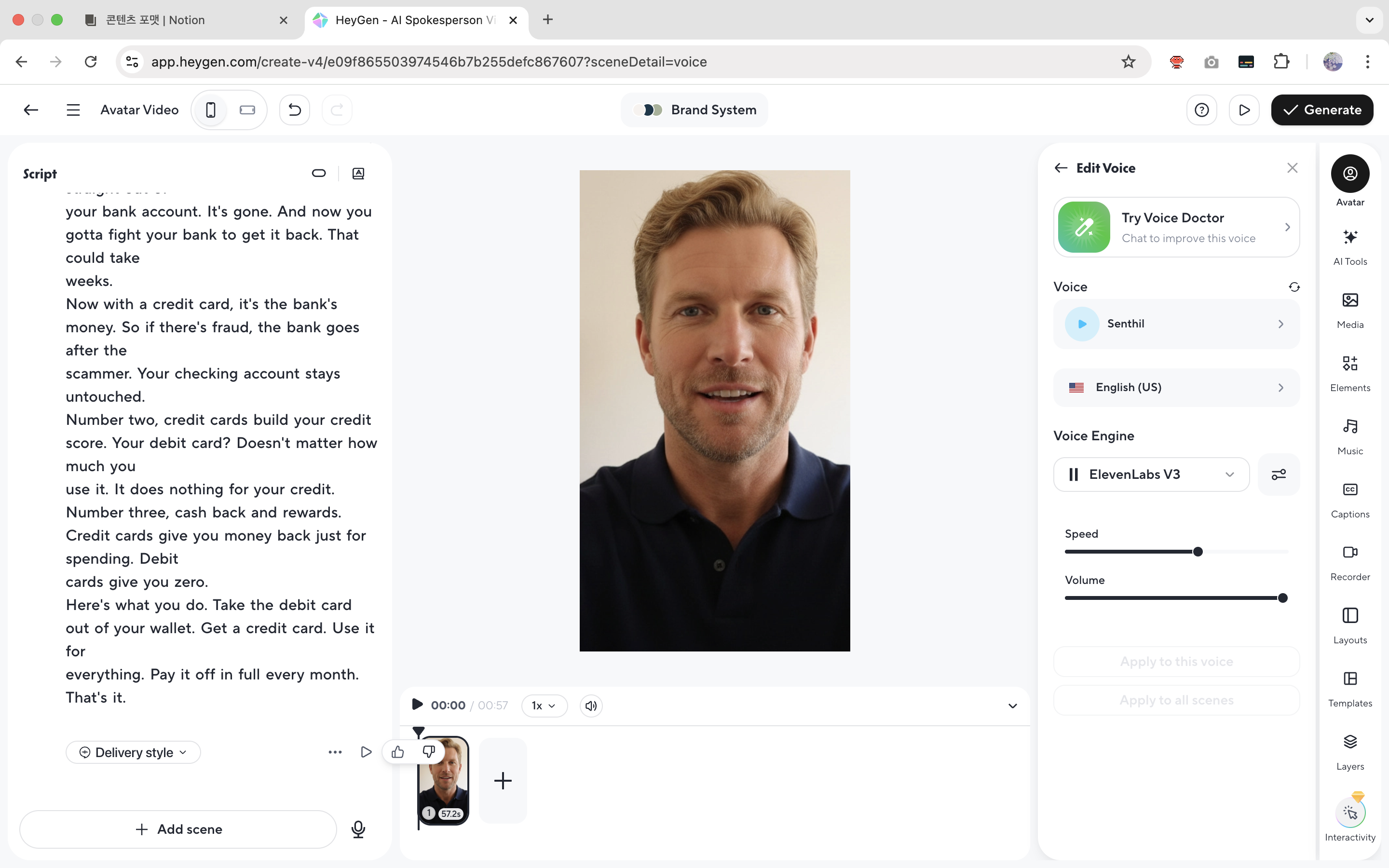
Ethan uses ElevenLabs V3 engine with the Senthil voice. Sofia uses Georgia - Lifelike. Both have natural English pronunciation that fits the financial education tone well.
Each video takes 2-3 minutes to render. But the great thing about HeyGen is you can render multiple videos simultaneously. Queue up all 8 at once and you're really only waiting once.
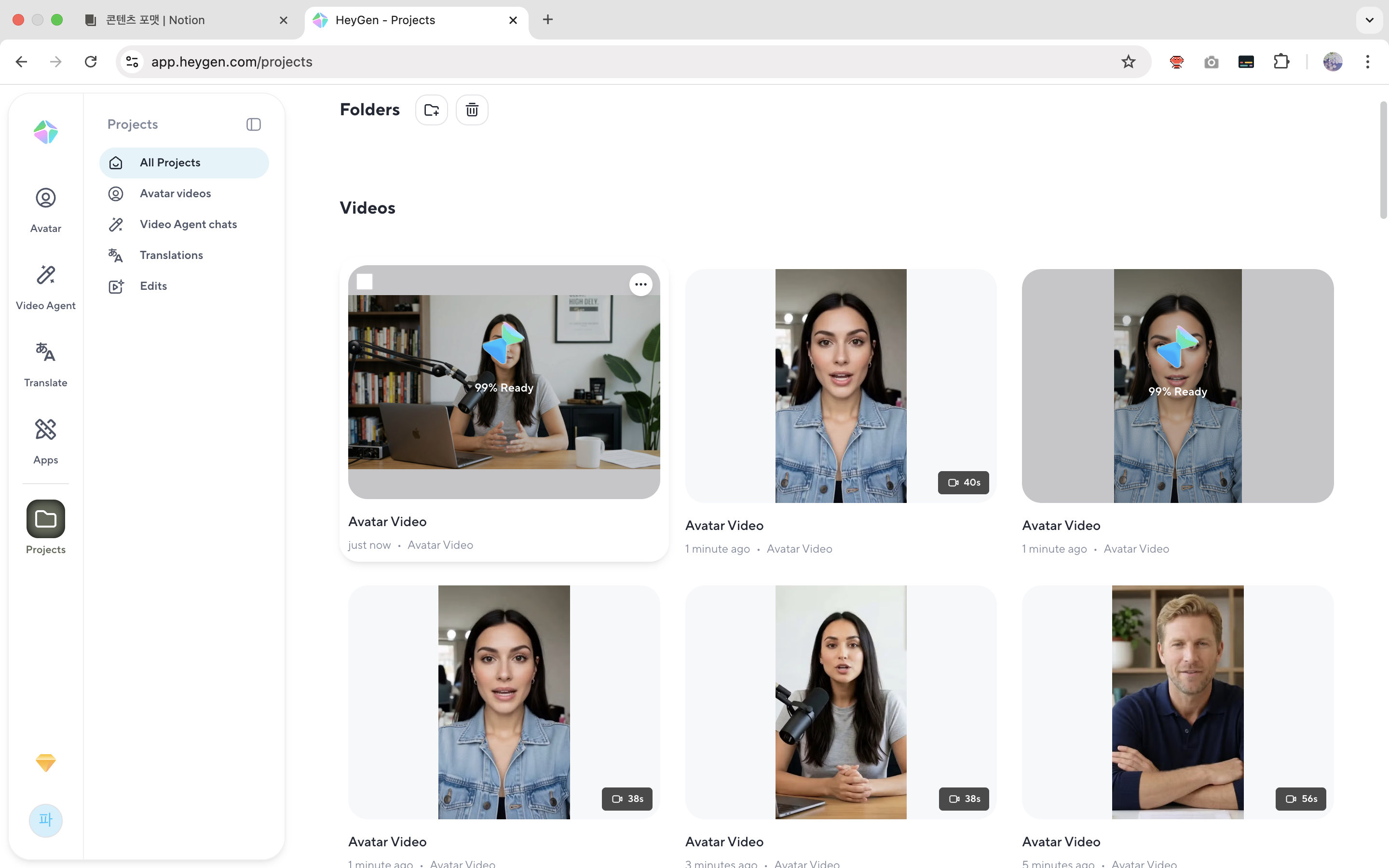
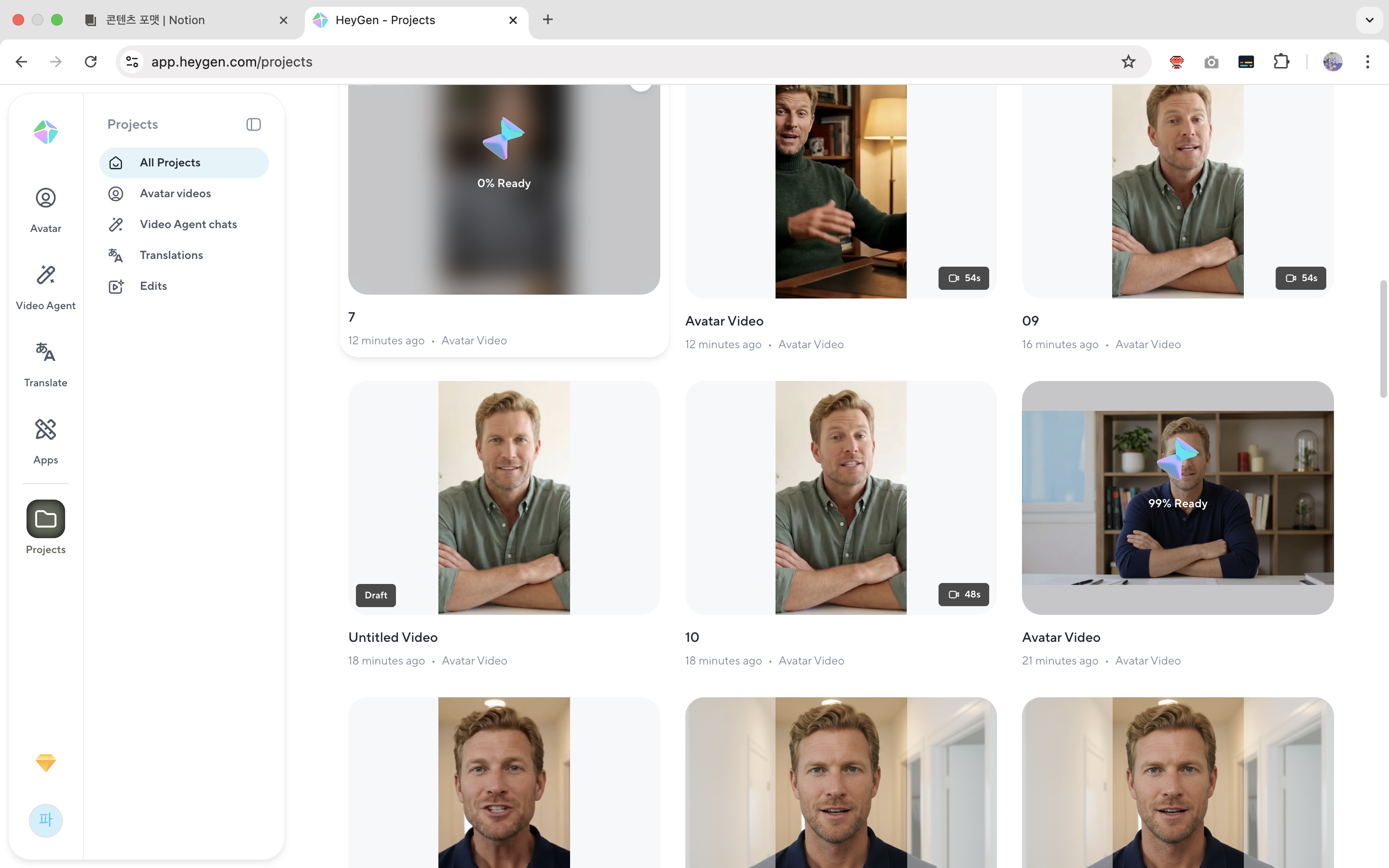
Once rendering finishes, one download button and you've got the video. Each one is 40-57 seconds long.

The 2-hour breakdown
| Step | Task | Manual | With skill |
|---|---|---|---|
| 1 | Trending topic research + angle design | 4-8 hours | Auto-analyzed by skill |
| 2 | Write 8 scripts | 3-4 hours | 5 min |
| 3 | Paste scripts into HeyGen + avatar setup | - | 15 min |
| 4 | Render 8 videos simultaneously | - | 20 min (waiting) |
| 5 | Download + review | - | 20 min |
| Total | ~10 hours | ~2 hours |
If you included actual filming, 8 videos would've taken at least 2-3 days. Instead, I wrapped it up in 2 hours and walked away with 4 days of content.
The real bottleneck is "finding topics + writing scripts"
The bottleneck for AI avatar videos isn't rendering. Tools like HeyGen are already good enough. But finding the right topics and writing the scripts eats up 70-80% of the total time.
These skills solve exactly that 70-80%. They analyze what's trending on TikTok, suggest specific topics and angles, and deliver finished scripts. All you have to do is skim the script and paste it into HeyGen.
Type /tik5-ethan and you get Ethan scripts. Type /tik6-sofia and you get Sofia scripts. Run this cycle every week and 2 hours gets you 4 days of content, stacking up consistently. The rest of your time? Spend it analyzing which topics actually pull views.
Jennie
Responses (0)